Build a form, share a link, read the answers.

Surveys, registrations, quizzes and feedback forms with sections, answer-based branching, custom themes and response analytics. Export to CSV, Excel or PDF.

Free to start · No credit card · Unlimited responses

A person building a form on a laptop while a phone shows the filled-in form
Included in the free plan
Unlimited responses Sections and branching Public links and embed CSV, Excel and PDF export Custom themes
What you get

Everything to build, share and measure a form

No code and no setup. Add questions, theme the form, publish it, and read the results in one place.

Every question type you need

Short and long text, multiple choice, checkboxes, dropdowns, ratings, scales, dates, file uploads and signatures.

Response analytics

Charts and summaries for every question, plus each response in full. Export to CSV, Excel or PDF.

Custom themes

Your colours, font, header image and logo, so each form looks like your organisation.

Share a link or embed it

Every form gets its own link, and you can embed it on your website. Respondents don't need an account unless you ask them to sign in.

Private and secure

Answers are encrypted at rest and served over HTTPS from data centres in India. Password-protect a form or limit it to your organisation.

Quizzes

Mark the correct answers and respondents see their score when they submit.

Sections and branching

Show each person only the questions that apply to them

Split a long form into titled sections. On a multiple-choice or dropdown question, choose where each answer leads: the next section, any other section, or straight to submit.

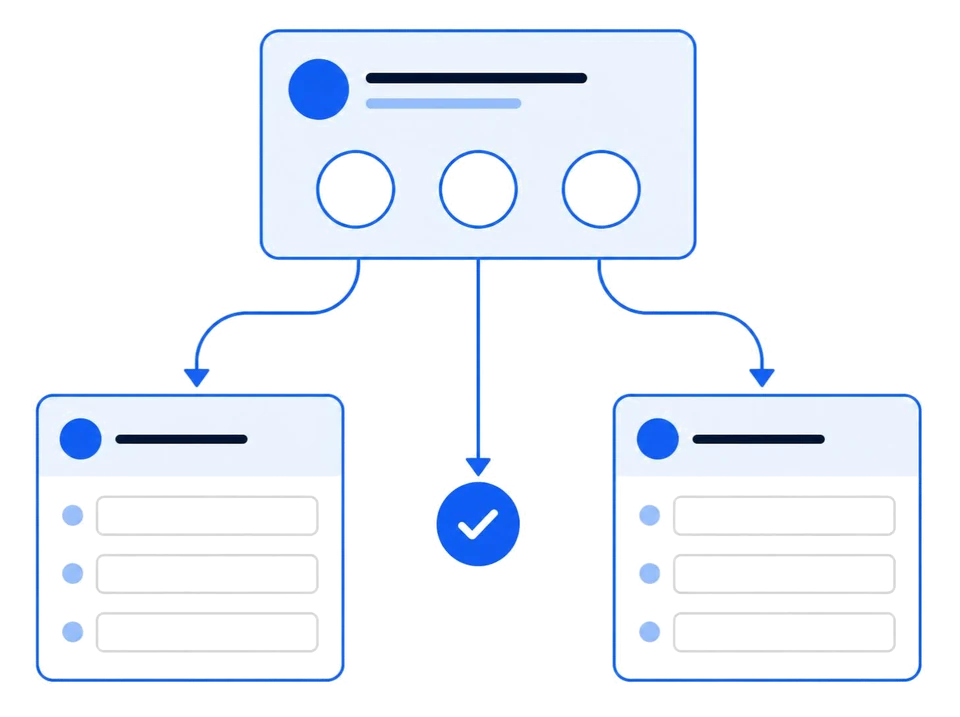
A question whose answers lead to different sections of the form
1

Add sections

Click "Add section" in the builder. Each section gets a title and a description, and appears as its own page with Next and Back buttons.

2

Choose where answers go

Turn on "Go to section based on answer" on a multiple-choice or dropdown question, then pick a destination for each option. Example: "Business" goes to the company details section, "Personal" skips it.

3

Set what happens after a section

Each section can continue to the next one, jump to a chosen section, or submit the form.

4

Only the right answers are kept

Back retraces the respondent's own path. Required questions in skipped sections never block submitting, and answers left on a skipped section are not saved.

How it works

Three steps from idea to answers

1

Build it

Add questions and sections, set required fields and validation, and theme the form.

2

Share it

Publish to get a link. Send it by email or WhatsApp, or embed it on your website.

3

Read it

See charts and every response, then export to CSV, Excel or PDF.

Questions

Frequently asked questions

Still unsure about something? Talk to our team.

Yes. Sign up free, with no credit card. There is no cap on the number of responses a form can collect.
Yes. On a multiple-choice or dropdown question, turn on "Go to section based on answer" and choose a section, or submit, for each option. Each section can also say where to go after it.
Yes. Every form gets its own link you can share by email, WhatsApp or social media, or embed on your website. You can also limit a form to your organisation or to invited people.
Short and long text, email, phone, number, multiple choice, checkboxes, dropdowns, ratings, scales, dates and times, file uploads and signatures, plus headings, images and section breaks.
Answers are encrypted at rest and every page is served over HTTPS from data centres in India. You decide who can see the responses.

Build your first form

Sign up free with no credit card, and publish a form your team can share today.